
1. Installation#
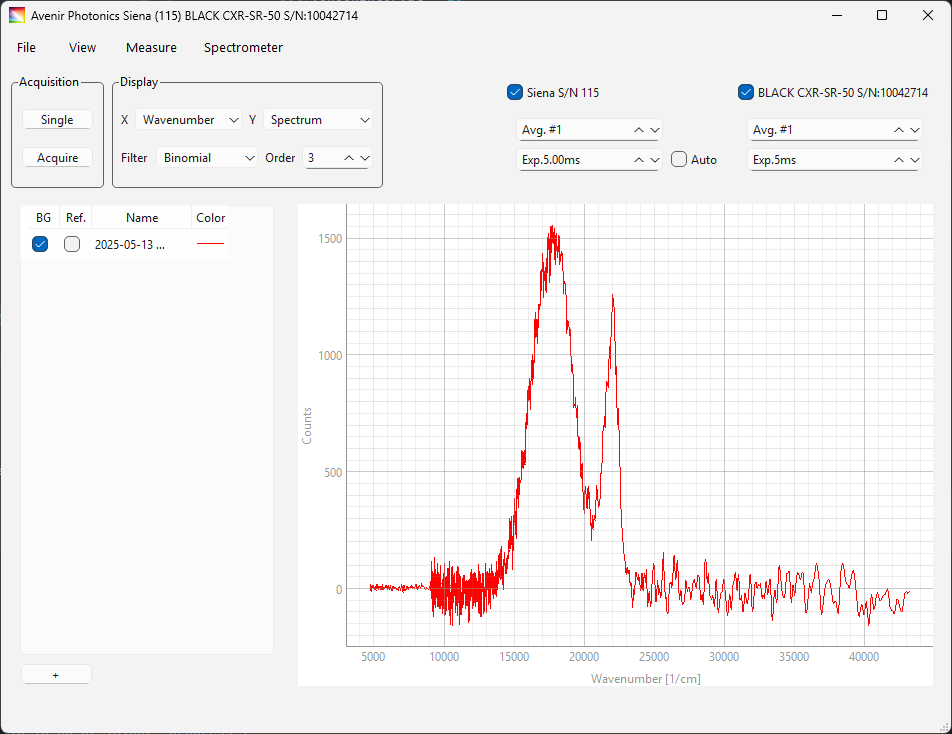
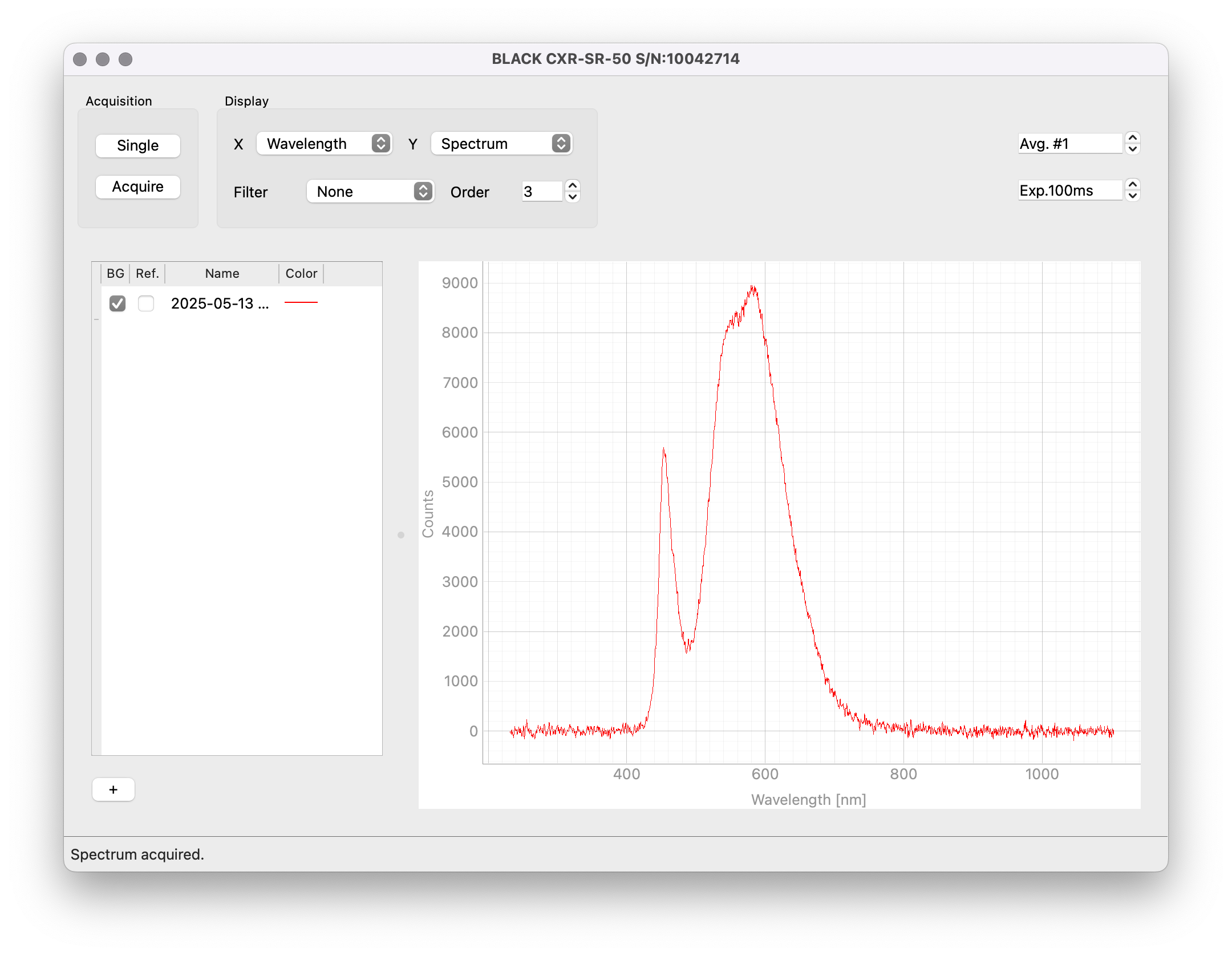
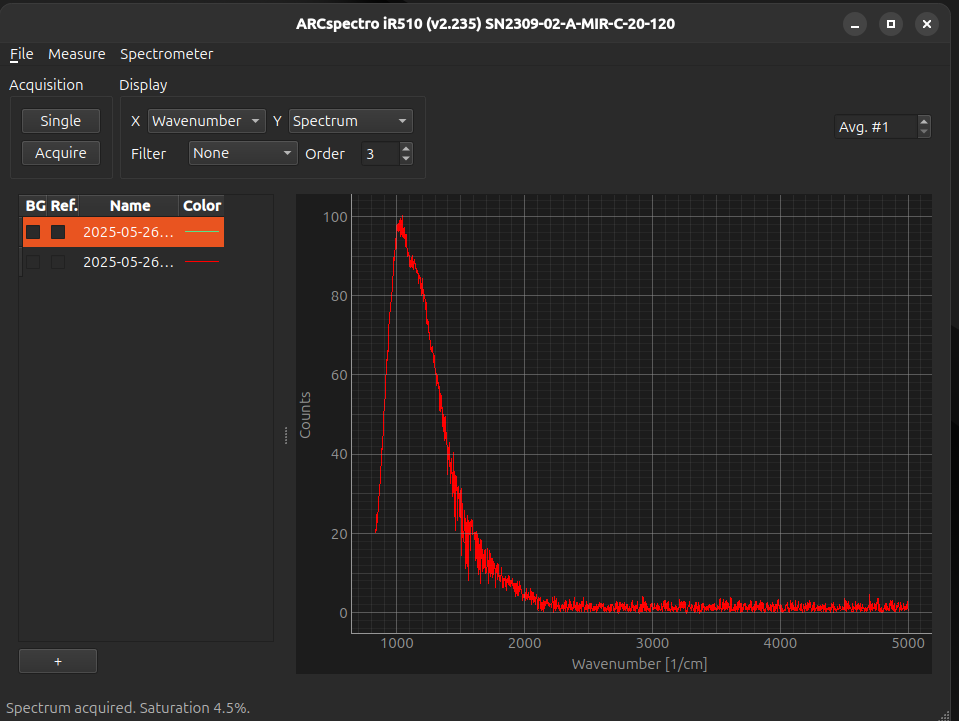
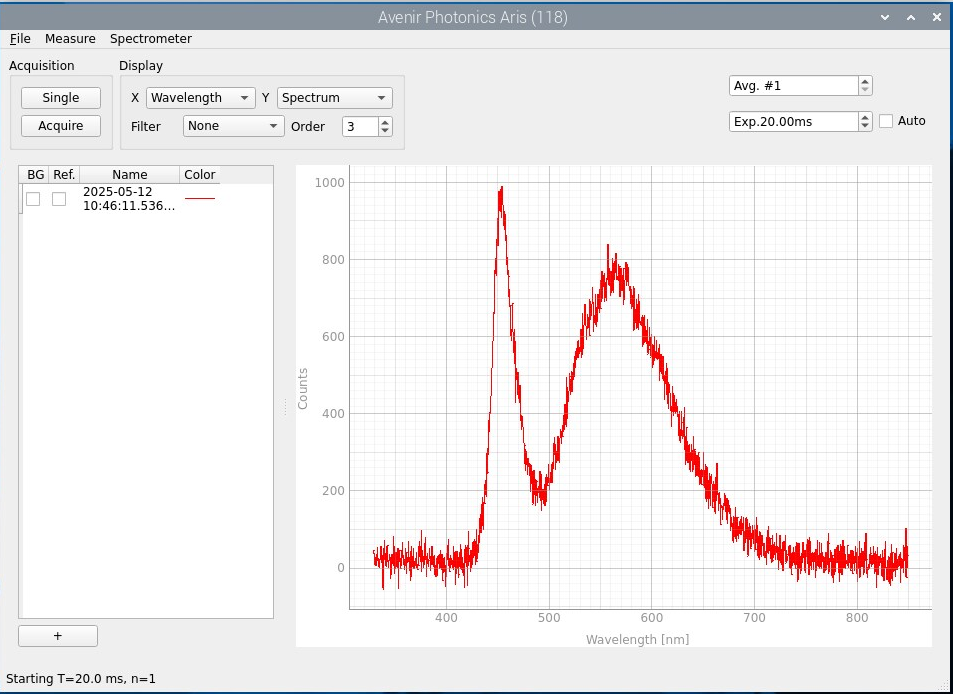
Fig. 1.1 TII Spectrometry on different platforms.#
TII Spectrometry is a cross-platform application to control integrated visible or infrared light spectrometers and analyze the acquired spectra. Installation of the software differs by platform:
on Windows, simply copy the TII Spectrometry folder to any desired location and double-click on
TII-Spectrometry.exeon macOS, drag the
TII-Spectrometrybundle to theApplicationsfolder. The app can be opened by double-clickingTII-Spectrometryon Linux navigate to the folder containing the
TII-Spectrometry.debfile and executesudo dpkg -i TII-Spectrometry.deb. This will add TII Spectrometry to the desktop menu.Note
The
TII-Spectrometry.debcontains*.rulesfiles to grant USB access to TII Spectrometry, which will be installed to/etc/udev/rules.d/using the above command. A reboot or log-in / log-out cycle may be required to gain access to USB devices after the first installation.
1.1. Supported Devices & Environments#
TII Spectrometry supports the Windows, macOS (Apple Silicon) and Linux operating environments. On Linux, both x64 (i.e. desktop computers) and arm64 (e.g. RaspberryPi single-board computers) are supported. Most spectrometers are supported on all platforms, see Table 1.1 for exceptions. Simultaneous control of multiple supported spectrometers is supported.